
Create Stunning Websites Easily

Web Reaper
5 min read
Creating production websites is difficult, but it doesn’t need to be.
Here’s just some of the items you have to worry about:
- The look and feel of the website
- Image optimization
- File compression
- SEO
- Animations
- Cookie Banner
- CMS for writing blog posts or other data
That’s where Cosmic Themes comes in. Our website templates make it easy to implement all of the above, meaning you can focus your time on your clients and the content, rather than all the technical detail.
The best way to explain this is to show you, so let’s dive in!
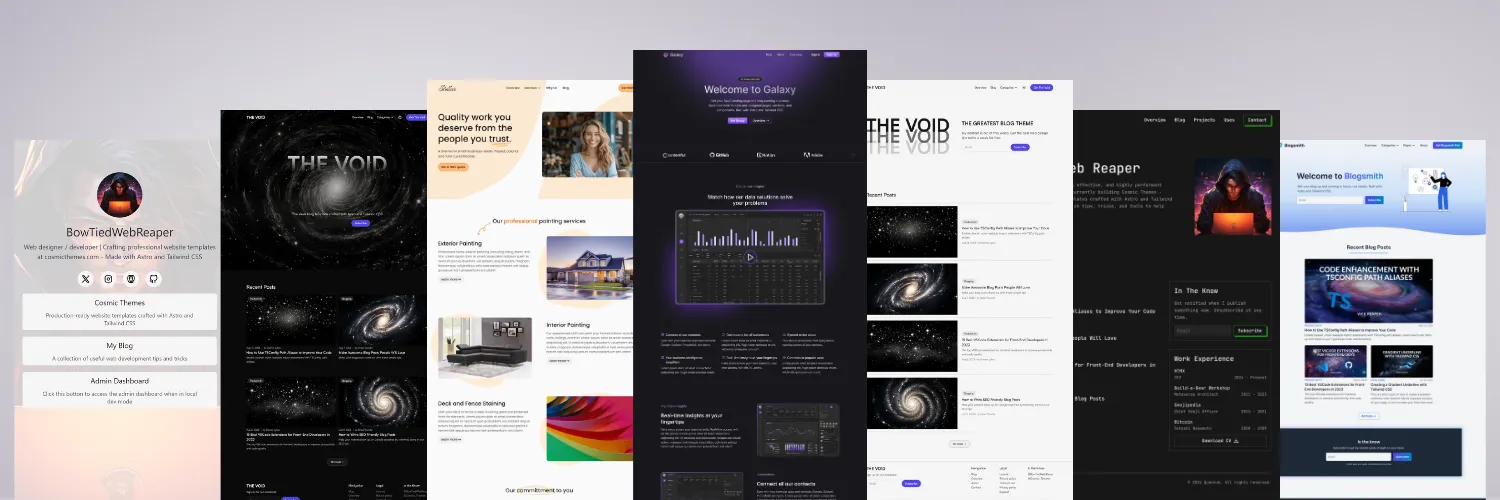
Components and Sections
Each theme comes with multiple components and sections that allow you to easily swap to what you need. Here’s a quick example showing how you can easily swap out hero sections.
Edit Pricing Component
Let’s say you need to change the info in each card of a pricing component, you can do that by updating simple JSON data.
INFO
Most components have JSON data at the top of the file, allowing you to easily update them with whatever you need.
Update the Navbar
Other items like core site data, navbar, and testimonials also have their own JSON data files. Here we’ll change the dropdown section and a few titles (all navbars include built-in dropdown capability).
Site Colors
Make the site yours by changing the core site colors. It’s incredibly easy to change from within the Tailwind config file of each theme.
Image Optimization
All site images use astros image optimization to display optimal resolution and file types, improving your website speed. SEO with JsonLD is also implemented for all pages to help your website rank in search engines.
CMS Interface
An extremely useful feature is the CMS interface for blog posts, authors, and other site pages. This gives non-technical people an easy-to-use UI, so you can offer yet another capability to your clients. Let’s edit a blog post title and some of the info.
When you save, it updates the local files where Astro content collections pick up the data for displaying on the page. You can even register custom components, like this Admonition “Tip” below.
TIP
You can use Keystatic locally for development, and then deploy it using the Keystatic cloud. It edits the MDX files within your repository, so when updates happen you can trigger site rebuilds automatically.
Customizing Animations
If you check out the homepage of this site, you’ll notice a number of animations. These are the same highly-customizable animation setup I use in the templates. It allows you to change properties such as the animation type, duration, delay, trigger, and others - all using simple data attributes.
Let’s change the hero section animation and the duration as an example.
Now the animation is “zoom-in-down” instead of the “fade-up” it was previously, and it lasts longer. Piece of cake.
Code Tours
Each template comes with a number of example landing and other pages, and code tours to help you get started. These code tours walk you through various aspects of the code, and are accessed right within VSCode.
Deployment
For deployment, everything required for Netlify is already set up. You can also deploy to Vercel or others by changing the SSR integration to match where are you deploying the website.
INFO
SSR is only required for Keystatic CMS. All other pages are static by default.
When building, files are also automatically compressed to further improve load times and reduce bandwidth usage.
What Others Are Saying
Here’s what some of our customers have to say:
Cosmic Themes provides some of the best Astro themes out there. They are well designed, easy to customize and, most importantly, the team is very responsive concerning support and feature requests. Using their themes allows you to forget about the design and focus on content creation. - Damiano L
It’s the cleanest template standup experience ever! I’ve never used Astro, but looking at the demo, code, it should be fairly simple pickup on top of my existing React and NextJS experience. - David G
The Blogsmith Pro theme is ridiculously well put together and documented. I learned a ton about Astro engineering by studying it, and I’ve already used some of the components for my web design clients. Plus, it shaved hours off my dev time so I could focus on writing SEO articles instead of coding something from scratch. - BowTiedFocus
Production-ready Astro Templates
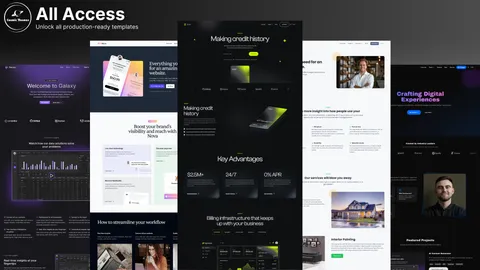
Templates with tons of features others leave out. I18n, CMS, animations, image optimization, SEO, and more.
Learn More
For more information, check out the documentation.